It is sensible to ask questions before installing free software. The short answer is that DivX Player is safe, provided you install the genuine release and pay attention during setup. Here is how to be sure.
Who makes it
DivX Player is published by DivX, LLC, a company based in San Diego whose video technology has been in use for more than 25 years. The DivX name also appears on televisions, disc players and in-car systems that are certified to play its format.
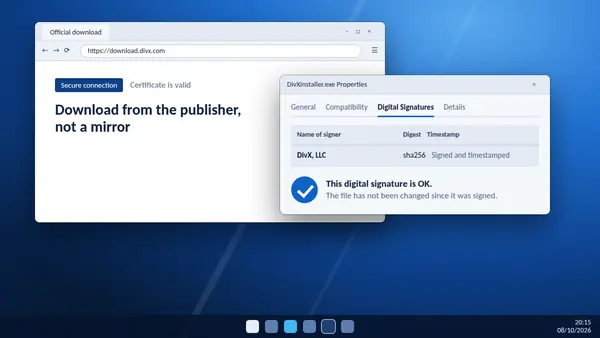
Download it from the source
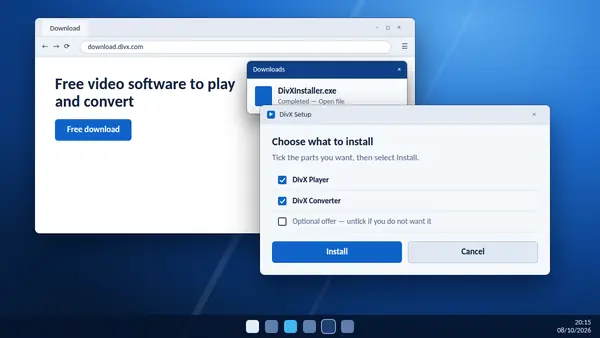
The main risk with any well-known free program is a fake or repackaged copy. Some download portals wrap files in their own installers, and look-alike sites exist. Always take the installer from the DivX server.
This site is an independent guide and does not host the program. The download buttons on our homepage point directly to the DivX download server, which you can confirm in your browser's downloads list.
Verify the digital signature on Windows
- Right-click
DivXInstaller.exeand choose Properties. - Open the Digital Signatures tab.
- Check that the signer is DivX, then select Details to confirm that Windows reports the signature as OK.
If the tab is missing or names a different signer, delete the file.
Read the installer screens
The free version of DivX is supported by advertising. Over the years its installer has sometimes included optional offers. They are not harmful, but you may not want them. Read each screen and untick or decline anything that is not DivX itself.
Adverts in the free version
The free software shows adverts inside the program. They are part of how it stays free. DivX Pro removes them.
What it installs
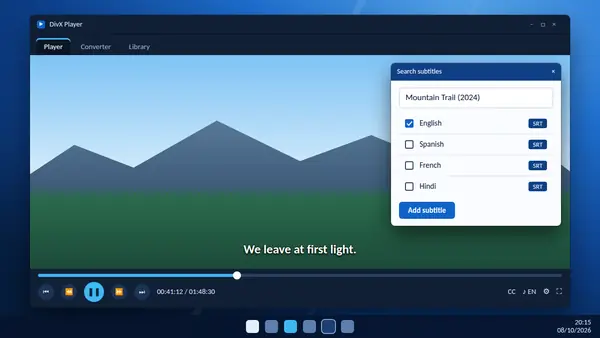
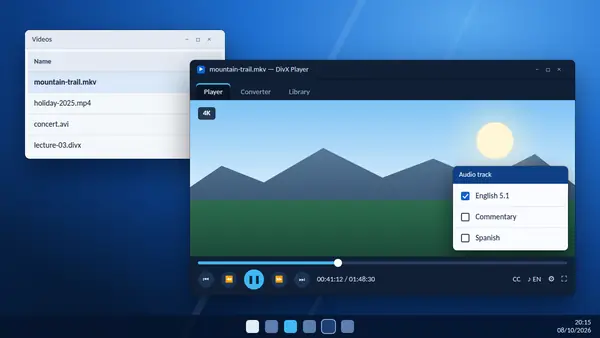
Current versions install one application that contains the player, the converter and the library. It can associate itself with video file types, which you can change in your system settings at any time.
How to remove it
On Windows, open Settings, go to Apps, then Installed apps, find DivX and choose Uninstall. On a Mac, follow the removal steps on the DivX support site so that every component is cleared.
Staying safe afterwards
- Accept updates. They include stability and security fixes.
- Be careful with video files from unknown sources, whichever player you use.
- Use the newest version your operating system supports.
The verdict
Genuine installer, signature checked, offers declined: installed that way, DivX Player is a safe and long-established choice for watching video.